Practical news every day: immigration policy, green cards, citizenship, visas, tax filing and refunds, Medicaid, health coverage, minimum wage, labor rights, small business aid and loans, scam alerts and more.
By 唐人里·小编EricKeywords: Economy, Census Bureau, data.census.gov, tutorial videos, address search
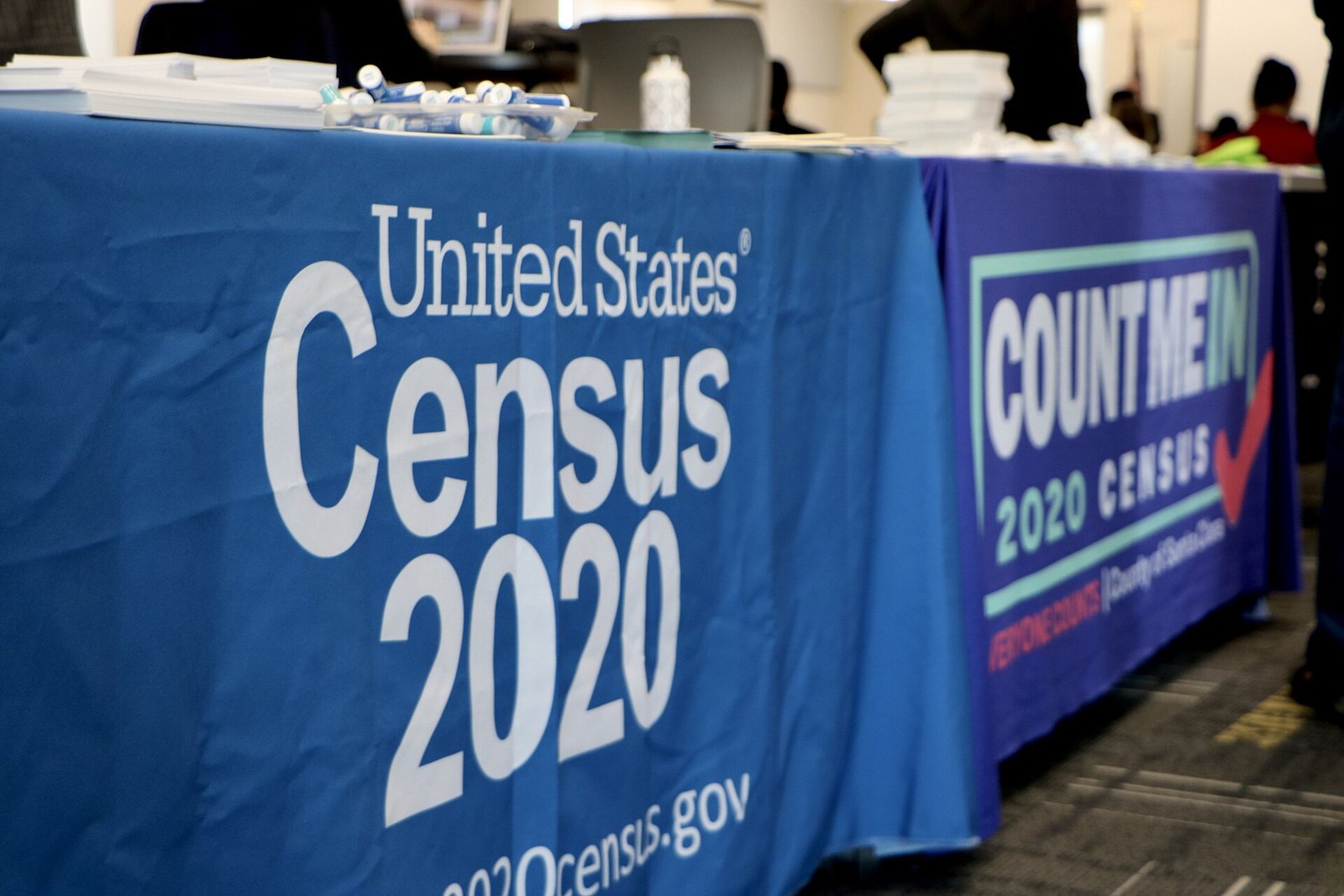
File photo: A census town hall in Milpitas, California, with a "Census 2020" banner on the table. Photo: Office of U.S. Representative Ro Khanna
Watch these Census Bureau data videos to streamline your searches.
|
Discover a series of short tutorials covering the essentials of data.census.gov, from navigating the site and creating maps to using address search and filters.
Take a Tour of data.census.gov
Take a guided walk through the main features of data.census.gov in this overview of the platform. This video introduces the site’s layout, demonstrates how to start a search, and highlights essential tools across Tables, Maps, Charts, and Profiles.
Learn how filters, navigation options, and built‑in visualization features work together to help you quickly find and understand the data you need.
Mapping data points is a great way to visualize the wealth of data available on data.census.gov, the Census Bureau's main data search platform.
In this tutorial, we walk you through the mapping features and functionalities available when producing maps on data.census.gov including choosing values, creating boundaries, and how to print. This video is your first stop to begin mapping your data!
In this video we show you how to use our address search feature on data.census.gov! With the Search by Address button, found near the single search bar, you can quickly learn geographic information about an address, and add these related geographies to your search.
Watch this video to learn how you can also use the Search by Address widget.
Learn more about using the Explore Filters button and complete your search by adding the filters you need in data.census.gov. In this video, we give you a tour of the filter panel on data.census.gov.